Bloomdeck
Coffee journal, card by card
Coming to the App Store in November 2026 for iPhone and iPad.
About
A coffee journal worth revisiting.
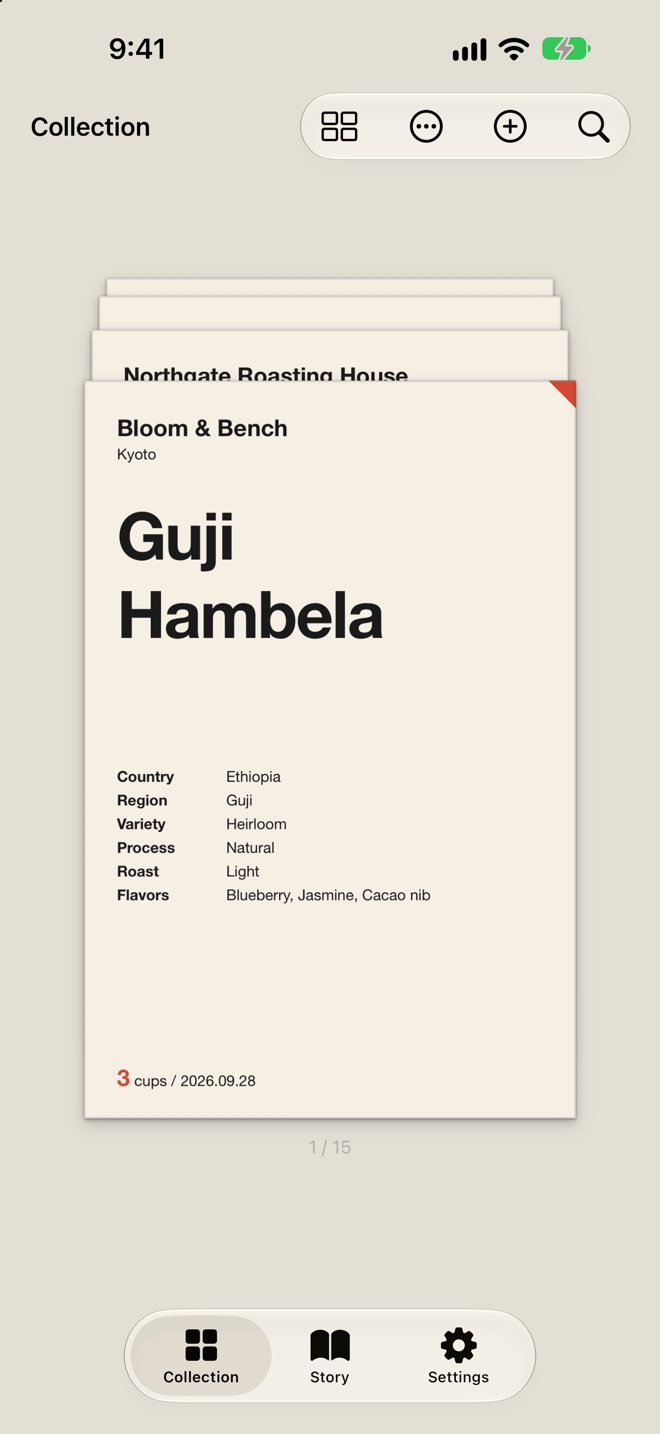
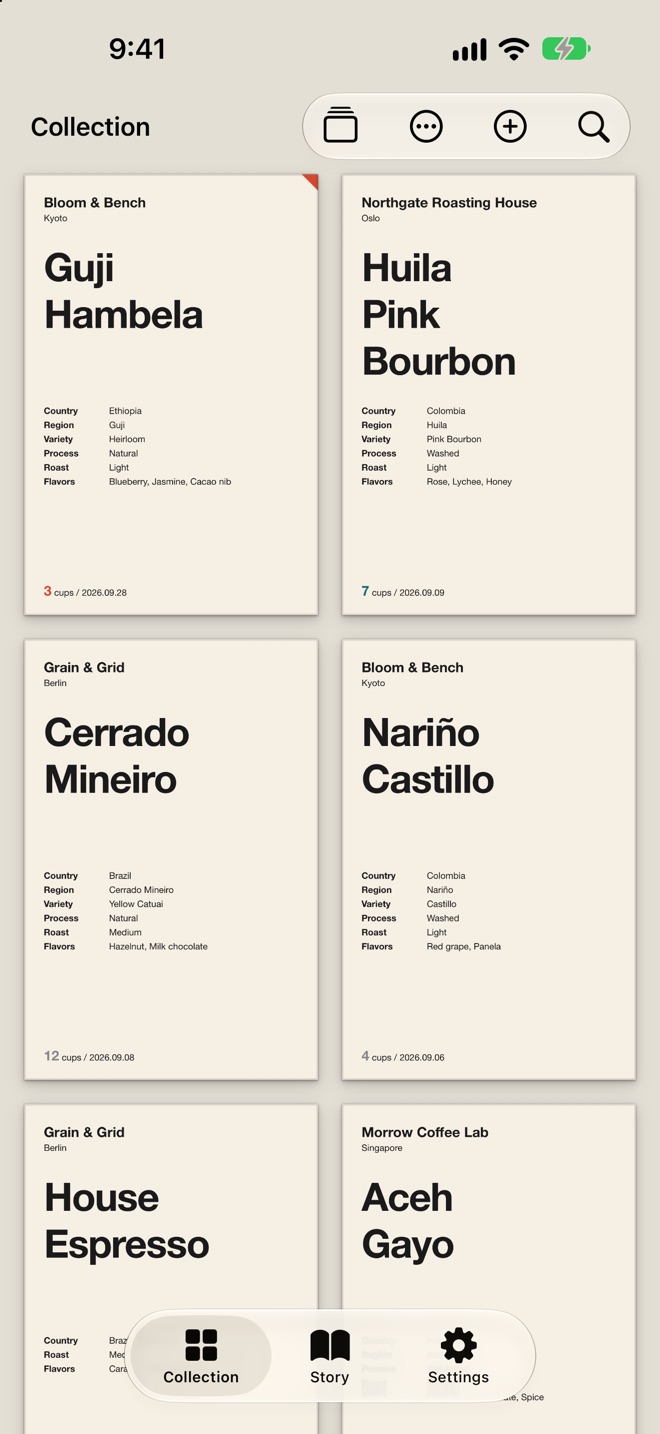
Bloomdeck keeps the coffee you drink as typeset cards, so your records become something you want to look back on.
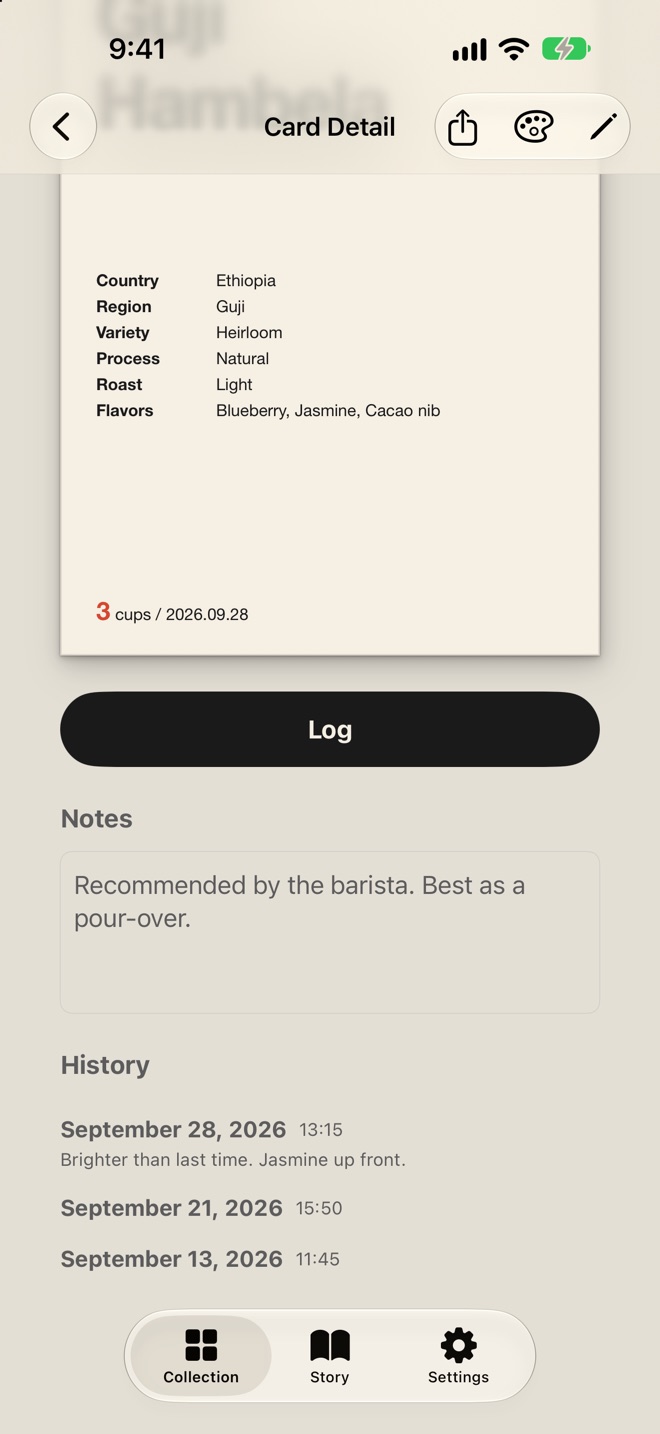
Each card is one bean from one shop. Every cup you log there is added to the same card, so the coffees you return to most become the cards with the most history.
Pricing
Bloomdeck is free for up to 10 cards. Pro is a one-time purchase that removes the card limit and unlocks all card styles, share formats and Story cards. Pro supports Family Sharing.
Requirements
- Devices
- iPhone, iPad
- OS
- iOS 26 / iPadOS 26 or later
- Languages
- English, Japanese
Support
- How do I sync my cards between iPhone and iPad?
- Bloomdeck syncs through your own iCloud account. Sign in to iCloud with the same Apple Account on each device and make sure iCloud is turned on for Bloomdeck. Changes can take a little while to appear on your other devices. Without iCloud, your cards are saved on that device only.
- I bought Pro, but it isn’t active.
- Make sure you’re signed in with the Apple Account you used to buy it. Then open the Settings tab, tap Pro, and tap Restore Previous Purchases. This also works on a new device.
- Can my family use Pro?
- Yes. Pro supports Family Sharing, so members of your Family Sharing group can use it without buying it again. If it doesn’t appear, try Restore Previous Purchases.
- How do I contact you?
- In the app, open the Settings tab and tap Contact Us. An email opens with your app version, device model, iOS version, language and region setting, and Pro status already filled in, so we can look into the issue without asking you for them. You can edit or remove these details before sending.
Contact
Email: appinfo [at] yukisoft.co.jp